Teacher & Homeschool Grading · 7 min read
How to Calculate Weighted Grades, Automate Drop Lowest & Build a 4.0/5.0 Homeschool GPA (With Zero #DIV/0! Errors)
By NibPaper Studio · Print-tested · 2026-11-24
A practical classroom and homeschool grading reference covering dynamic active-weight renormalization (zero Week-1 #DIV/0! errors), fair 0% vs. 50% Minimum Floor vs. Exempt missing-work policies, non-array Drop Lowest math, and Unweighted (4.0) vs. Weighted (5.0) high school transcripts.
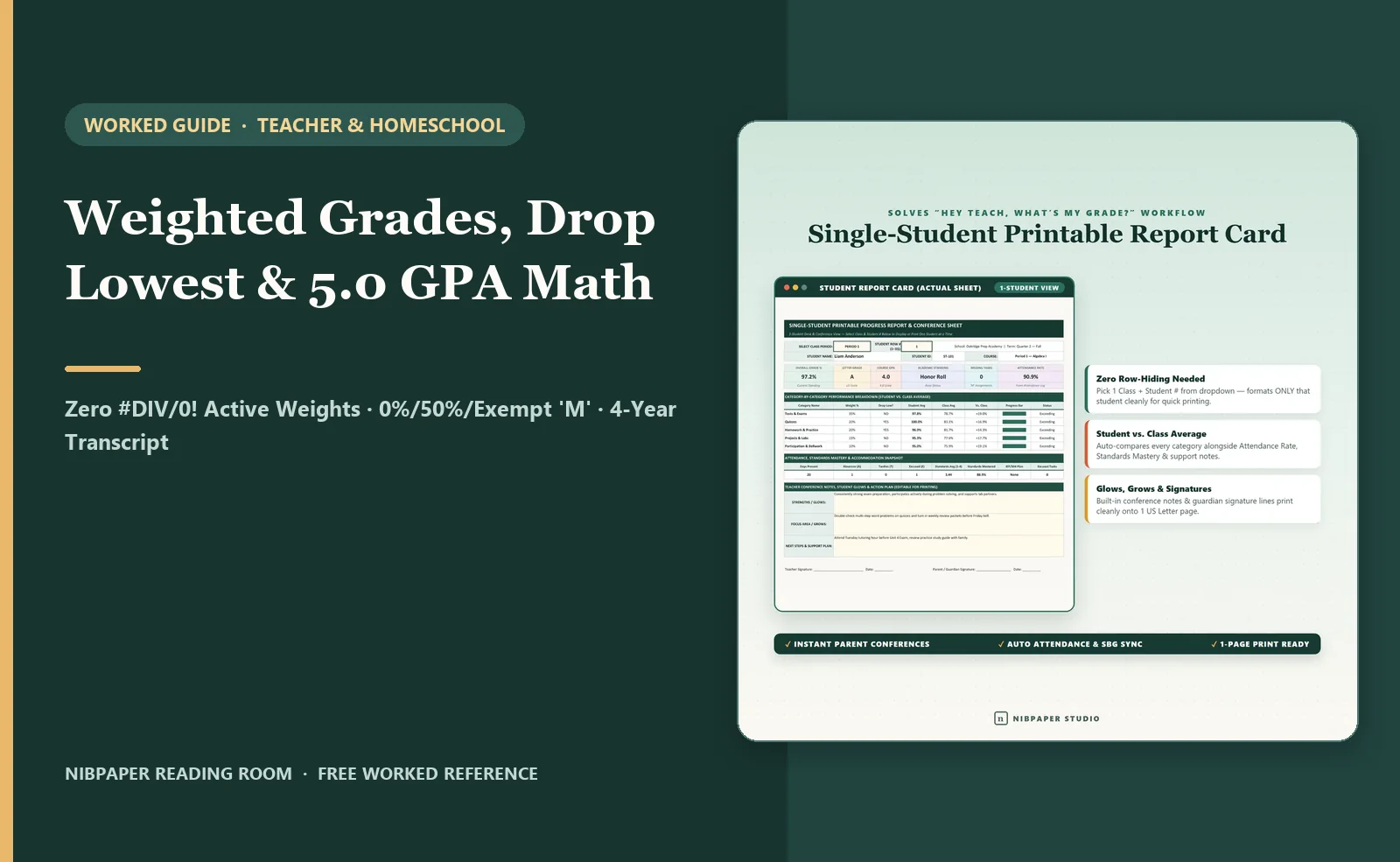
1. Fix the Week-1 Weighted-Grade Bug With Active-Weight Renormalization
Most basic gradebook spreadsheets multiply each category average by its fixed syllabus weight (for example, Tests 35% + Quizzes 20% + Homework 20% + Projects 15% + Participation 10% = 100%).
The moment you enter Homework #1 in Week 1, before any Test or Project has scores, those empty categories return #DIV/0! or artificially drag every student's average down to 18%. The clean fix is active-weight renormalization:
- Skip empty categories cleanly: If a category has zero graded scores (or only EX excused entries), return blank instead of 0%.
- Divide ONLY by active weights: Sum the weights of categories that currently contain at least one scored entry (e.g., Quizzes 20% + Homework 20% = 40% active weight), then divide the active weighted total by 0.40 instead of 1.00.
- Accurate from Day 1 to Final Exam: As soon as the first Unit Test is entered, active weight expands smoothly from 40% to 75% and then 100%, with zero formula edits and zero #DIV/0! crashes.
2. Separate Missing ('M') From Excused ('EX'), and Match Your District's Floor Policy
Leaving a blank cell for missing work hides overdue assignments from intervention lists, while hardcoding every missing task as 0% breaks school districts that use a 50% Minimum Grading Floor or temporary Exempt/Pending grace windows.
Standardize on explicit codes: type 'M' for Missing (controlled from one master policy cell: 0%, 50% Minimum Floor, or Exempt Pending while still incrementing the student's Missing Count), type 'EX' for Excused absences (excluded from both numerator and denominator), and leave ungraded future assignments blank.
3. Automate 'Drop Lowest' Safely Inside Excel & Google Sheets (Without Fragile Array Formulas)
Dropping the lowest quiz or homework score encourages growth without letting one bad Tuesday ruin a marking period, but complex CSE array formulas often break when teachers upload an Excel file to Google Sheets.
Only trigger Drop Lowest when a student has at least 2 active scores in that category (cnt >= 2), subtract the single lowest normalized percentage from the category sum, and divide by (cnt - 1). That classic non-array pattern works identically in Excel 2016–365 and free Google Sheets.
4. Protect Student Privacy During Conferences & Compute Unweighted (4.0) vs. Weighted (5.0) GPA Cleanly
Never display a full 35-student roster on a desk laptop during parent-teacher night, under U.S. Department of Education FERPA privacy principles, families should only view their own child's education records. Pull one student at a time onto a dedicated Single-Student Report Card view with category bars, attendance, standards mastery (1–4), and Glow & Grow notes.
For homeschool high school transcripts (Grades 9–12), calculate Quality Points per course by multiplying Credit Hours (0.5 or 1.0) by Grade Points, reporting BOTH standard Unweighted GPA (4.0 cap) and Weighted GPA (adding +0.5 for Honors and +1.0 for AP or Dual Enrollment courses) side by side.
Worked Example · Quick Reference
Worked Dynamic Weighted-Grade Example (Week 2 Active Weight = 50% vs. Full Term = 100%)
| Grading Category | Syllabus Weight | Drop Lowest? | Student Scores (Max Pts) | Category Avg & Active Contribution |
|---|---|---|---|---|
| Tests & Exams | 35% | NO | No tests entered yet (Week 2) | Empty: excluded from active denominator (0% active) |
| Quizzes (20 pts ea) | 20% | YES (cnt >= 2) | 19/20 (95%), 14/20 (70% dropped), 18/20 (90%) | Avg of top 2 = 92.5% -> 92.5% × 20% = 18.50 pts |
| Homework (10 pts ea) | 20% | YES (cnt >= 2) | 10/10, 9/10, EX (excused), M (0% dropped) | Excused ignored; M dropped -> 95.0% × 20% = 19.00 pts |
| Projects & Labs | 15% | NO | Not assigned yet | Empty: excluded from active denominator (0% active) |
| Participation (25 pts) | 10% | NO | 23/25 (92%), 24/25 (96%) | Avg = 94.0% -> 94.0% × 10% = 9.40 pts |
| ACTIVE OVERALL GRADE | 50% Active | Zero #DIV/0! | 46.90 active pts ÷ 0.50 active weight | 93.8% (A · 4.0 Course GPA), accurate on Day 10 |
Worked educator grading reference by NibPaper Studio. Organizational recordkeeping guide only, not an accredited transcript issuer or FERPA-certified student information system (SIS). Always follow your school district's grading scale and state homeschool transcript guidelines.
Save or share this guide
Pin it to your board for later or pass it along to someone who needs it.
Common Questions
Frequently Asked Questions
Why do weighted gradebooks show #DIV/0! errors in Week 1, and how do you fix it?
Basic formulas divide by 100% of syllabus weights even before any Test or Project has been graded, causing empty categories to return #DIV/0! or crush student averages. Dynamic active-weight renormalization divides only by the weights of categories that currently contain graded entries.
How do you automate Drop Lowest safely in both Excel and Google Sheets?
Trigger Drop Lowest only when a student has at least 2 active scores in that category, subtract the single minimum normalized percentage from the category total, and divide by (active count minus 1). This classic non-array formula works cleanly across Excel 2016 to 365 and Google Sheets.
How do homeschool parents calculate Unweighted 4.0 versus Weighted 5.0 GPA?
Multiply each course's credit value (0.5 or 1.0) by its grade points (A = 4.0, B = 3.0, etc.) and divide total quality points by total credits earned. For Weighted 5.0 GPA, add +0.5 grade points for Honors courses and +1.0 for AP or Dual Enrollment courses, reporting both scales side by side.
Official Primary References
- Protecting Student Privacy: Family Educational Rights and Privacy Act (FERPA)(U.S. Department of Education. Student Privacy Policy Office)