PRINTING GUIDE · 3 min read
US Letter vs. A4: How to Print Planners at Home With Crisp, Uncut Borders
Three quick print-dialog settings guarantee razor-sharp lines, zero clipped edges, and dramatically lower home ink usage.
1. Match the exact file to the paper in your tray
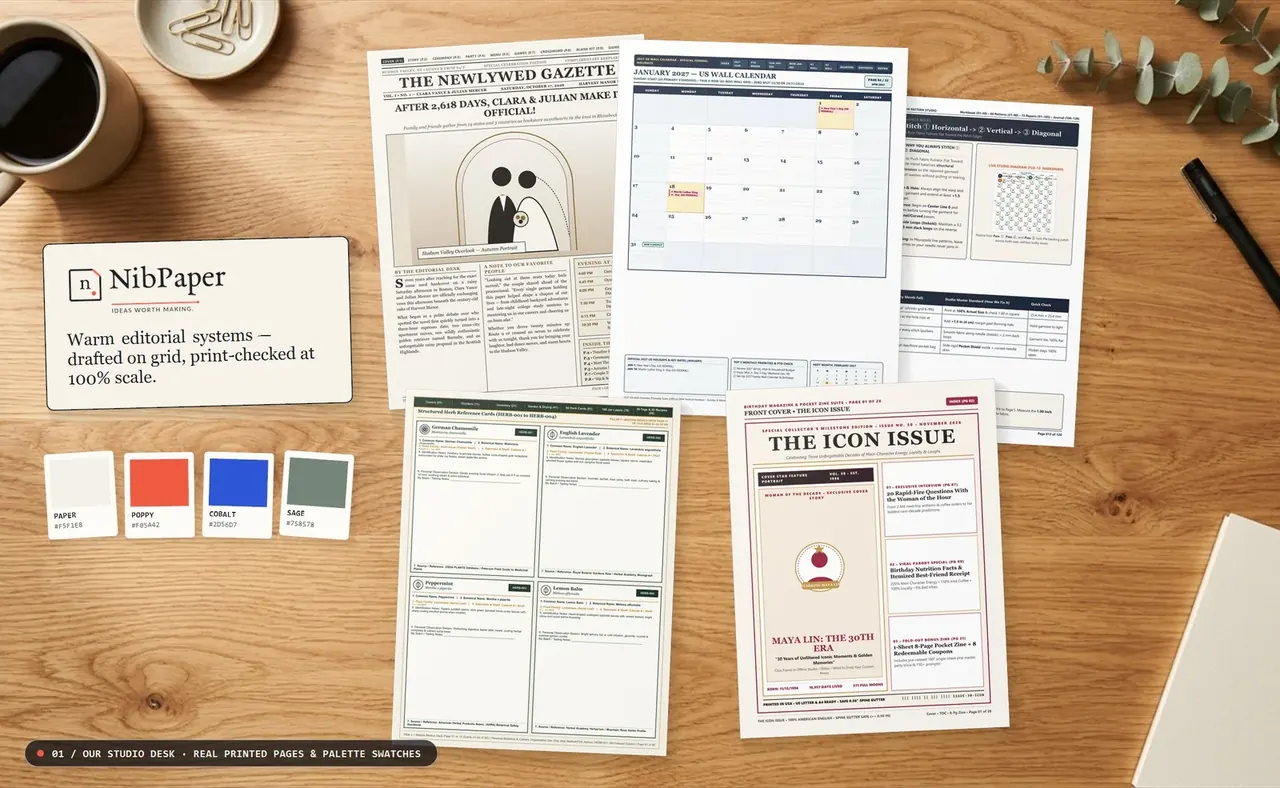
US Letter (8.5" × 11") is slightly wider and shorter than International A4 (210 × 297 mm). Printing an A4 PDF onto US Letter paper forces your printer to shrink or chop off the top and bottom borders. Every NibPaper printable includes separate native US Letter and native A4 PDFs so you never have to resize.
2. Always choose 'Actual Size' (Scale: 100%)
Open your PDF in free Adobe Acrobat Reader or Apple Preview rather than a quick mobile preview window, and select 'Actual Size' or 'Scale: 100%'. Because NibPaper calendars and binders are engineered with at least 0.42" (US Letter) / 11 mm (A4) outer safe margins, every border prints cleanly inside your printer's physical margin.
3. Save toner with Pure-White B&W Ink-Saver editions
Converting a pastel color calendar to grayscale often prints muddy gray boxes that drain black ink. Our dedicated Pure B&W Ink-Saver PDFs use 100% pure white (#FFFFFF) cells with crisp high-contrast black linework for economical home and office printing.